
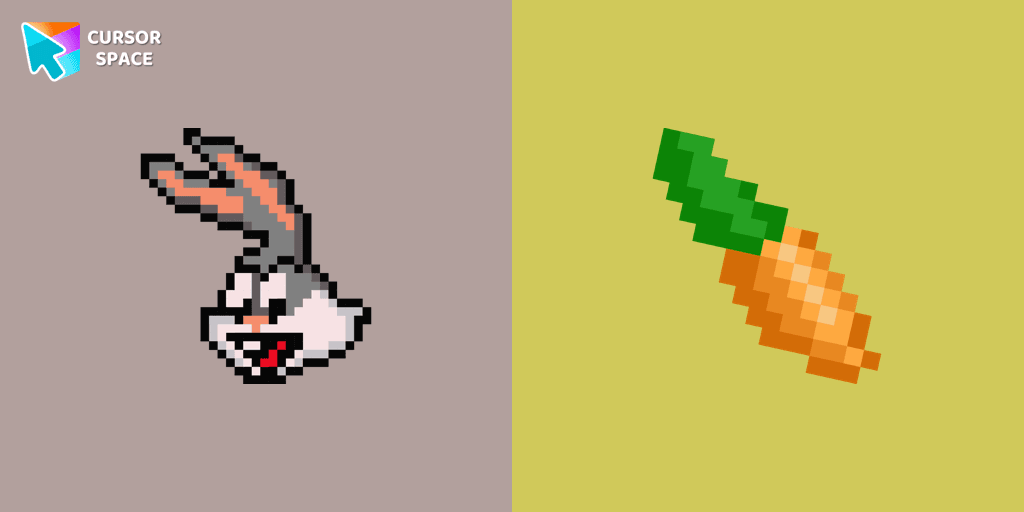
Bugs Bunny Pixel cursor
98Free
The cursor for Chrome with a Bugs Bunny Pixel is a great option in a Cute Pixel cursor collection.
Elevate your browsing experience with a custom cursor for Google Chrome featuring Black Widow, one of Marvel's most iconic characters. Known for her incredible martial arts skills, espionage expertise, and advanced weaponry, Black Widow brings an unmatched sense of power and grace to your screen.
Now, you can make her your personal custom cursor, turning your regular mouse pointer into a symbol of strength and sophistication. Whether you're a Marvel fan or just looking to spice up your cursor game, this custom cursor adds a unique touch to your digital journey.
The Black Widow cursor features her signature stunner and likeness, capturing the essence of the superhero. It's perfect for any Marvel enthusiast who wants to experience a more exciting, personalized browsing session. Don't just settle for a regular cursor - make a statement with Black Widow’s power and elegance today.
With this exclusive Marvel custom cursor for Google Chrome, your browsing will never be the same!
Install the Cursor Space extension for Chrome or Cursor Space for Edge in your browser.
On this page, click "Add this cursor pack to the extension".
Open the extension and go to the Packs tab.
Find the custom cursor pack "Black Widow cursor" and click it.
Enjoy!
Get this cursor pack and thousands of others by installing our extension. It's fast and free!
Black Widow Cursor is a themed cursor pack you can add to your browser to personalize your pointer across common cursor states (default and pointer). Use it for everyday browsing, streaming, studying, or gaming-anywhere you want your cursor to match your vibe.
See how the cursors look before installing.
Add the pack to the extension in a few clicks.
Designed for Chrome and Edge via the extension.
Quick answers to common questions about cursor packs, collections, and installation.
Yes. To apply cursor packs in Chrome or Edge, install the Cursor Space extension and add this pack to it.
Cursor packs are designed for Chromium browsers like Chrome and Microsoft Edge.
Open the extension, choose another pack or disable the current one to return to your default cursor.
Custom cursor and packs - neon, anime, pixel art. Quickly add to Chrome and Microsoft Edge for free
The cursor for Chrome with a Bugs Bunny Pixel is a great option in a Cute Pixel cursor collection.

It's an apple designed as a custom cursor for the mouse that will replace your default pointer to cute cursor with an apple from our fruits cursors collection for Chrome.

Set Sail on a Browsing Adventure with the Among Us Captain Character Cursor

Explore nature's beauty with the Tree Texture custom cursor, inspired by diverse tree forms. Connect to serene forests and elevate your browsing experience!
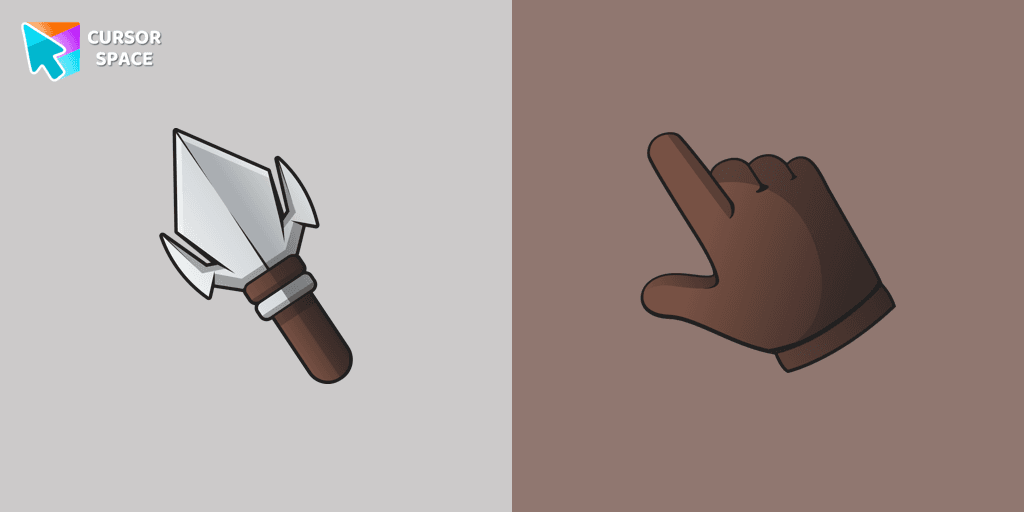
Upgrade your desktop with the Arrowhead custom cursor - featuring a stylish, attention-grabbing design that adds flair and personalization to your experience.
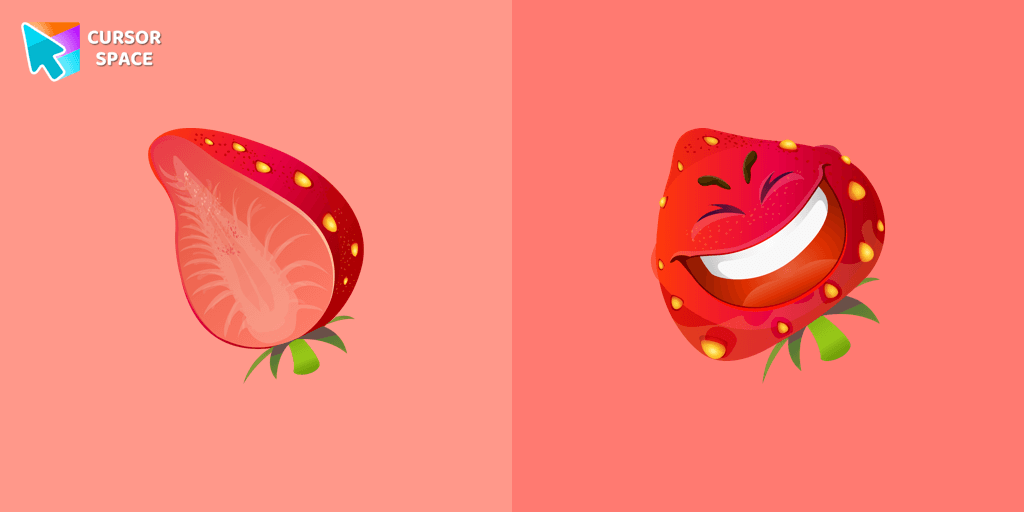
The happy strawberry custom cursor for a mouse will definitely make you feel happy as well. Add a custom cursor with strawberry fruit from the funny fruits custom cursors collection for Chrome.
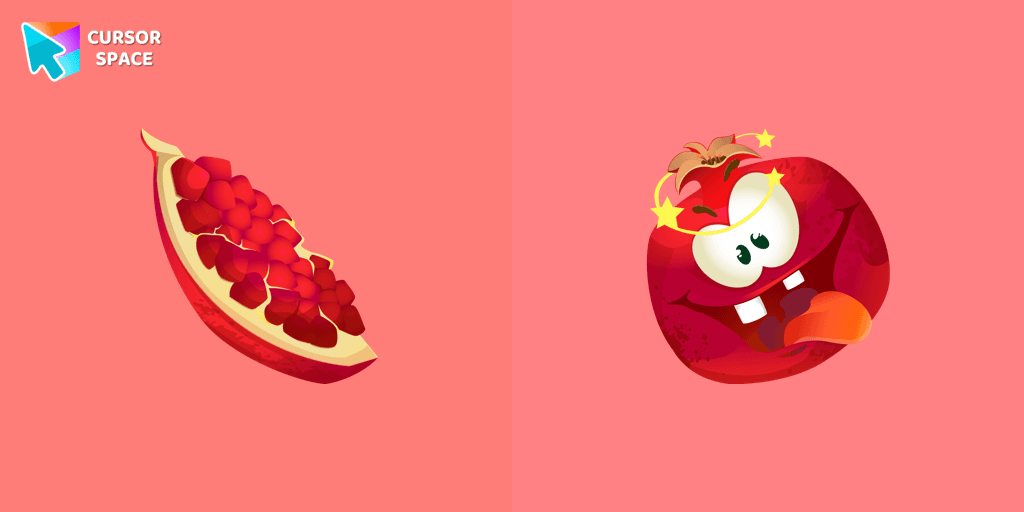
The excited pomegranate cursor looks very funny in our custom cursor collection with fruits. Add a custom cursor with pomegranate fruit to enjoy its design.

It’s a sweet and loved fruit from the Mediterranean area that pleases people by its good tasting. A cute pear cursor in musical decorations will change your default mouse cursor to a funny custom cursor and pointer.

Juicy papaya cursor is illustrated for our Fruits Cursors custom cursors collection for Chrome. Slice of papaya as a cursor for the mouse and funny papaya pointer will look pretty nice on your screen.

Explore our custom cursor collections, including Oreo Spark Violet. Personalize your Chrome with dazzling designs and vibrant colors.

Upgrade your browsing with the Vibrant Orange Gradient Cursor. This custom cursor offers a seamless orange gradient, merging style with functionality

The maroon custom cursor for chrome is well-designed in the best cute traditional for out the cutest custom cursors collection for Chrome.
Installation leaders from "Marvel Comics cursor": free packs, neon/anime/pixel art, quick add to Chrome and Edge.
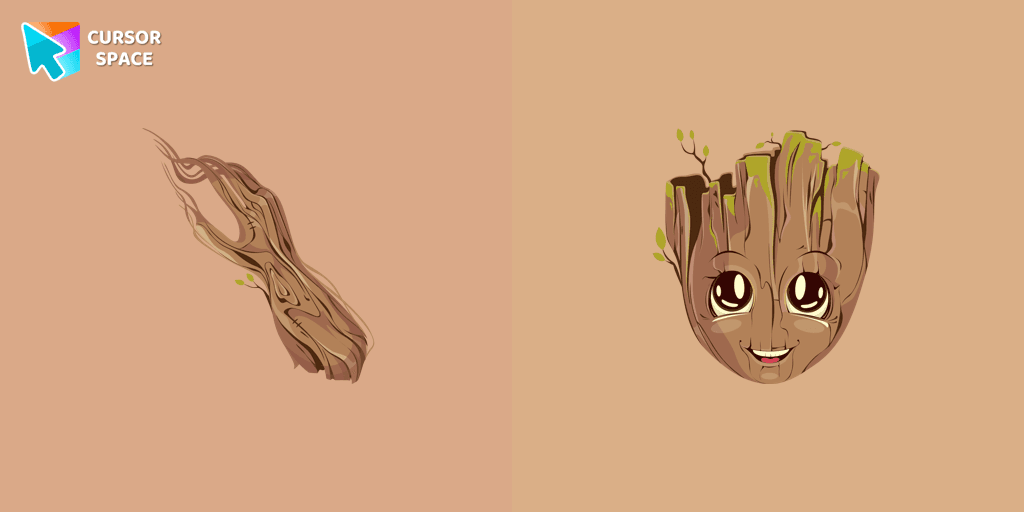
The Groot custom cursor is a fun and adorable choice for fans, featuring the beloved Groot character from Guardians of the Galaxy. Perfect for Chrome users!
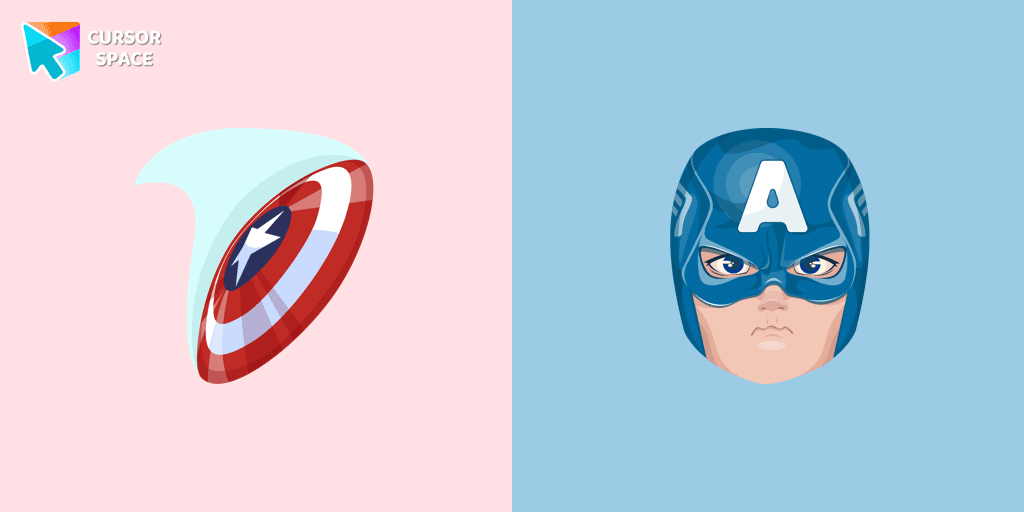
Upgrade your browsing with the Captain America custom cursor. Featuring Captain America's shield, this custom cursor for Google Chrome adds superhero flair to your screen.
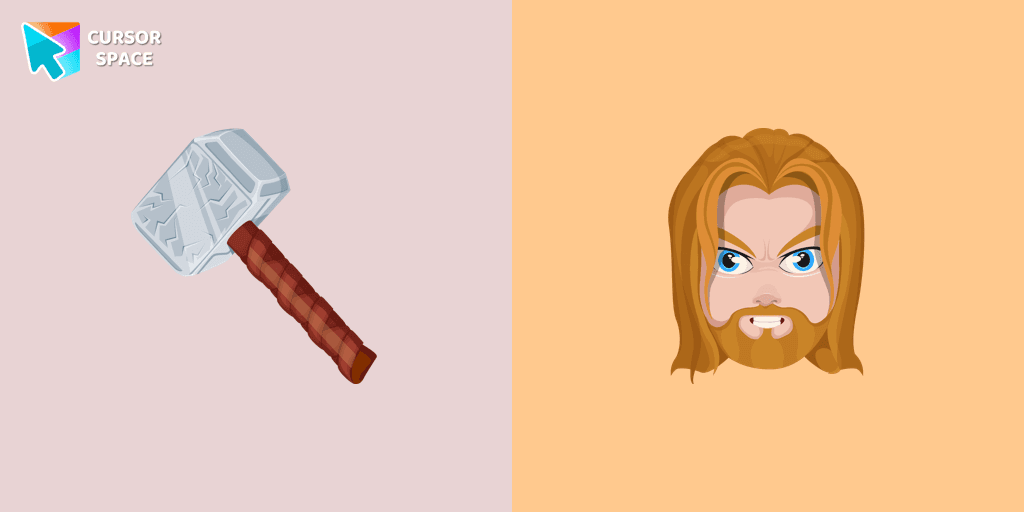
Thor Odinson, also known as the God of Thunder, possesses the extraordinary powers of the Asgardians
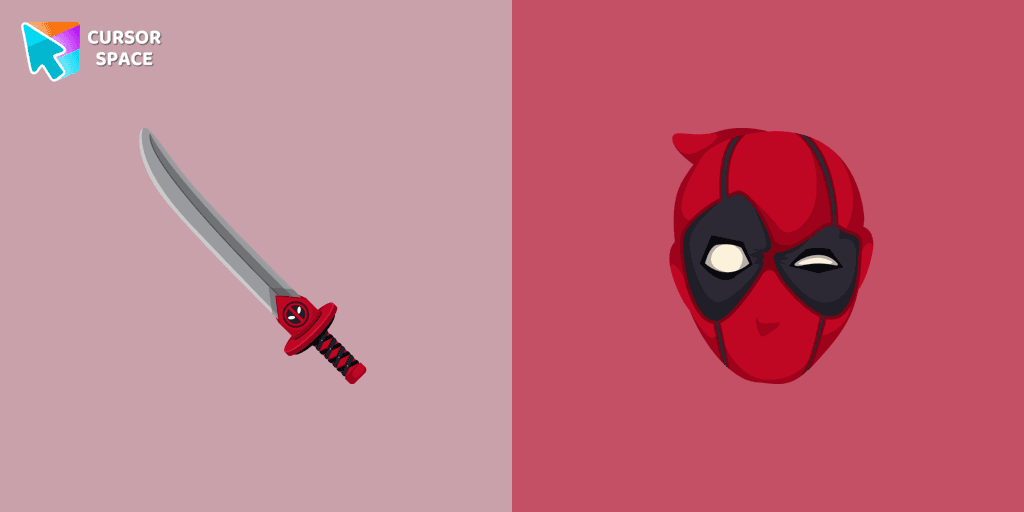
Transform your browsing with Deadpool's custom cursor for Google Chrome. This unique, cute mouse and pointer cursor adds style and fun to your screen.
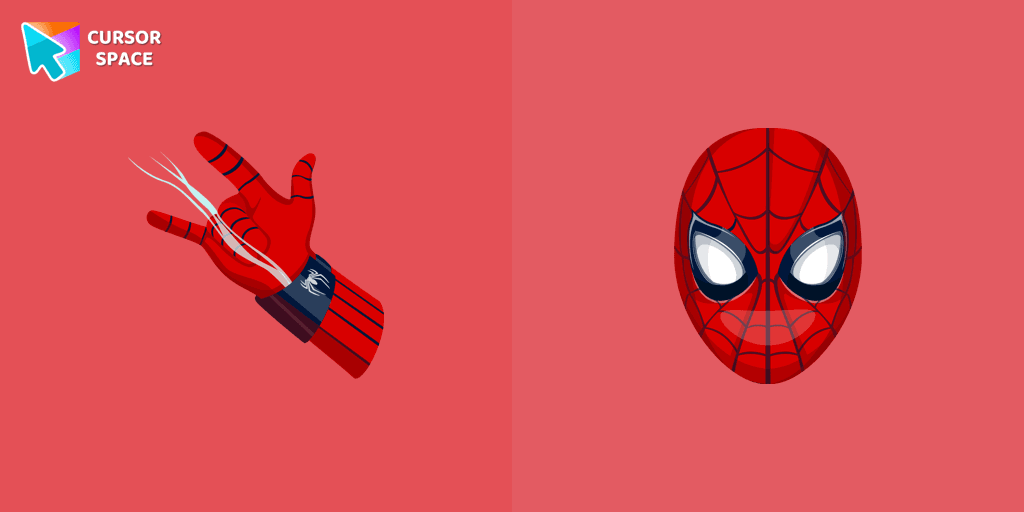
Transform your browsing with the Spiderman custom cursor for Google Chrome. Enjoy the thrilling design and web-slinging animations of this iconic superhero.
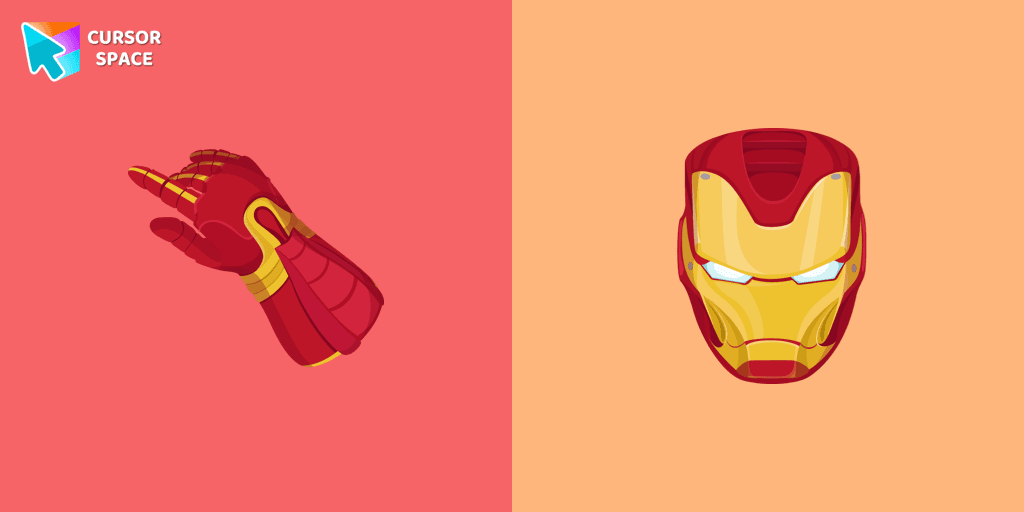
Upgrade your browsing with the Iron Man custom cursor for Google Chrome. This sleek and futuristic design adds a touch of sophistication for superhero fans.
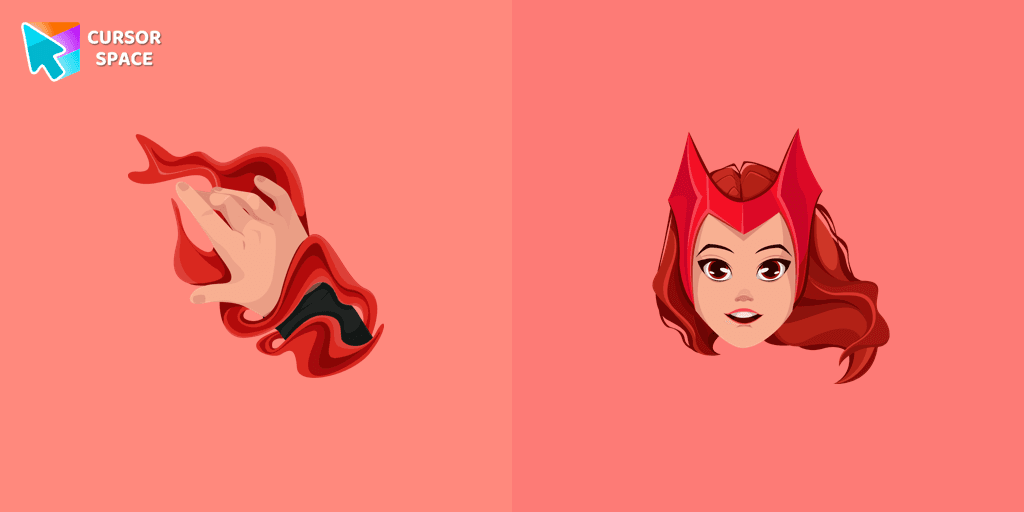
Transform your browsing experience with the Wanda custom cursor for Google Chrome. Featuring the powerful Wanda Maximoff, this magical cursor adds enchantment to your screen
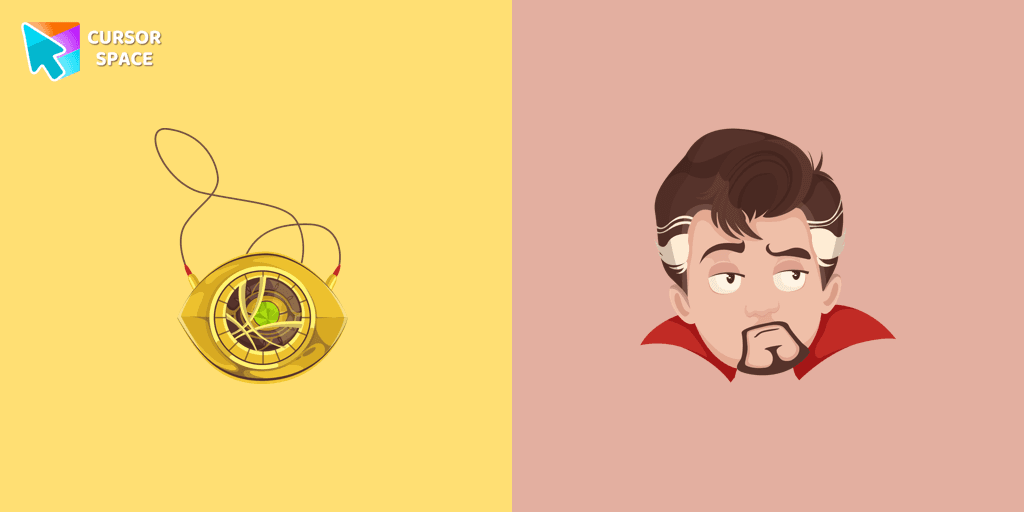
The Doctor Strange cursor is a must-have for fans of the Marvel Comics universe, bringing a touch of magic and mystery to your browsing experience.
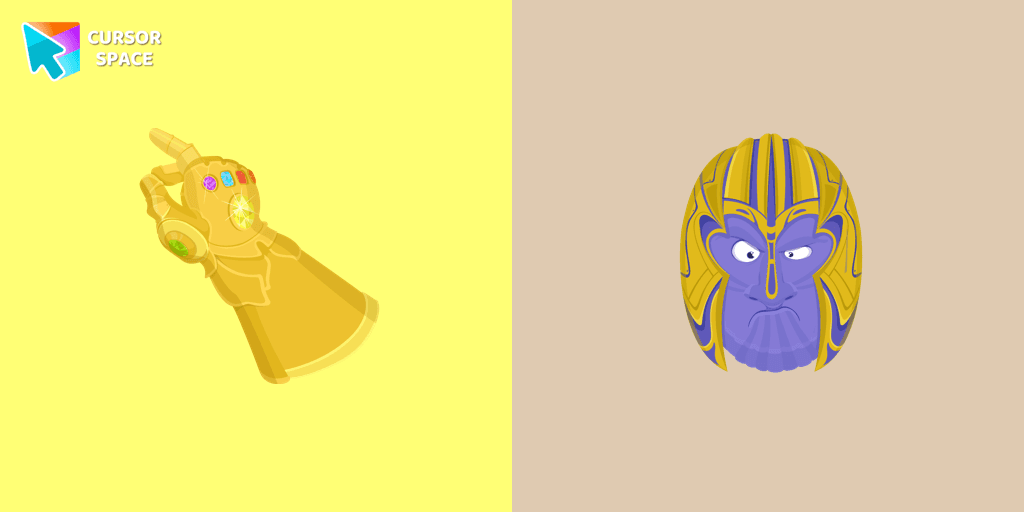
The Thanos custom cursor for Google Chrome brings the power of the Mad Titan to your screen. Embrace strength and cosmic animations with this unique design.
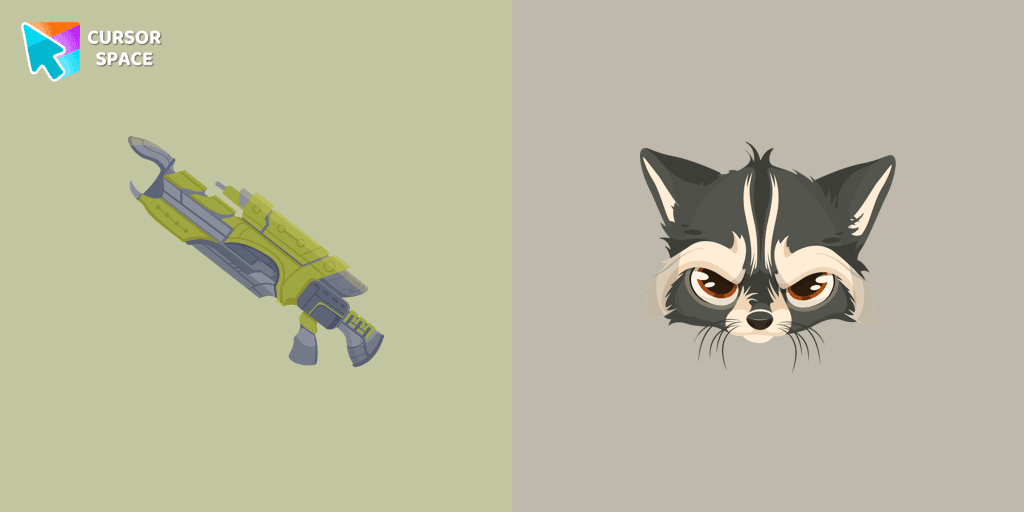
Transform your browsing with the Raccoon custom cursor for Google Chrome. Enjoy the playful design and lively animations of this adorable raccoon character.
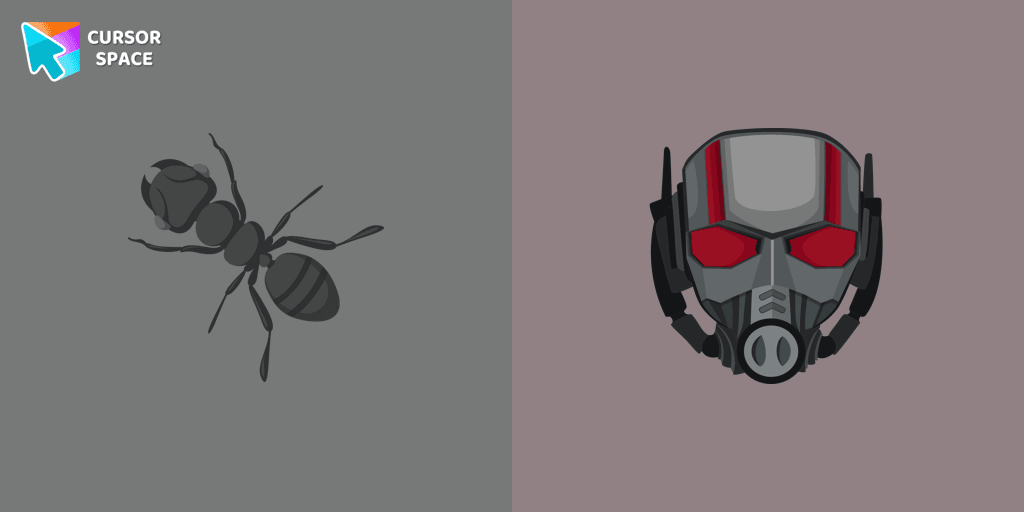
The Ant-Man custom cursor for Google Chrome brings the Marvel hero's size-shifting powers to your screen. Fun, playful, and unique for fans of the character.
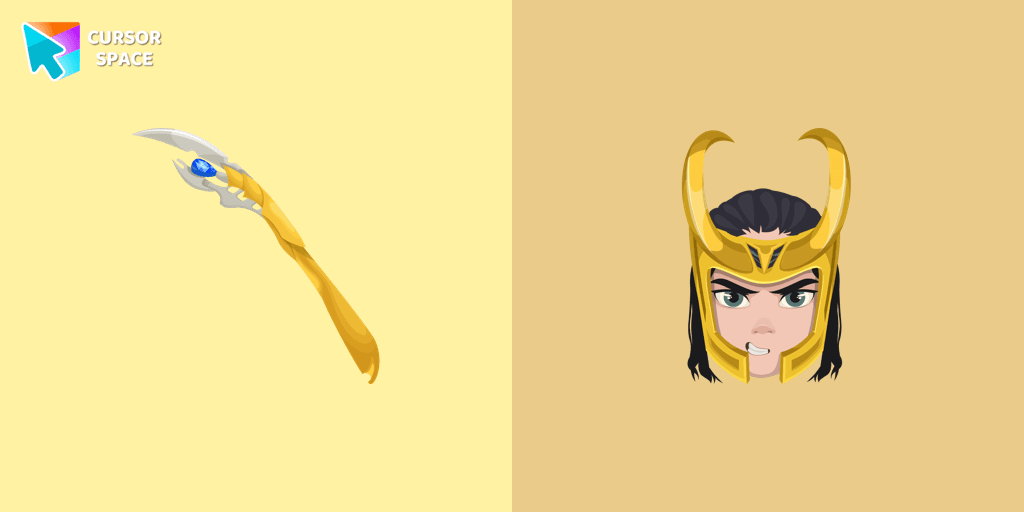
The Loki custom cursor for Google Chrome brings the mischievous charm of the Marvel anti-hero to your screen, adding a playful touch to your browsing experience.
Add packs instantly and unlock access to thousands of cursors: neon, anime, pixel-art, and more. Fast, safe, and free.
Cursor Space is an extension for changing your mouse cursor in Chrome and Edge browsers: themed collections, HiDPI icons, neon, animated, and pixel cursors, with quick installation.