

On the contrary cursor
198Free
Enjoy a fun twist with the On the Contrary custom cursor for Google Chrome. This witty cursor moves opposite to your mouse, perfect for a light-hearted prank.
Browse our full collection of custom cursors. Find your next favorite style and install it for free.
Enjoy a fun twist with the On the Contrary custom cursor for Google Chrome. This witty cursor moves opposite to your mouse, perfect for a light-hearted prank.
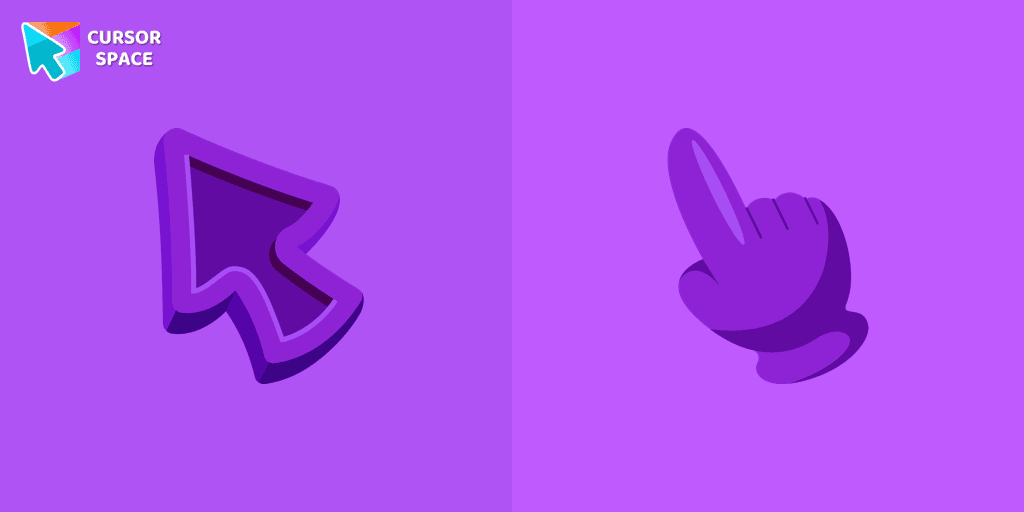
Welcome to our Cursors custom collection for Chrome, featuring a stunning purple cursor to enhance your browsing experience.

Discover Oreo Teal custom cursors for a bold, modern look. Transform your workspace with vibrant, eye-catching designs.
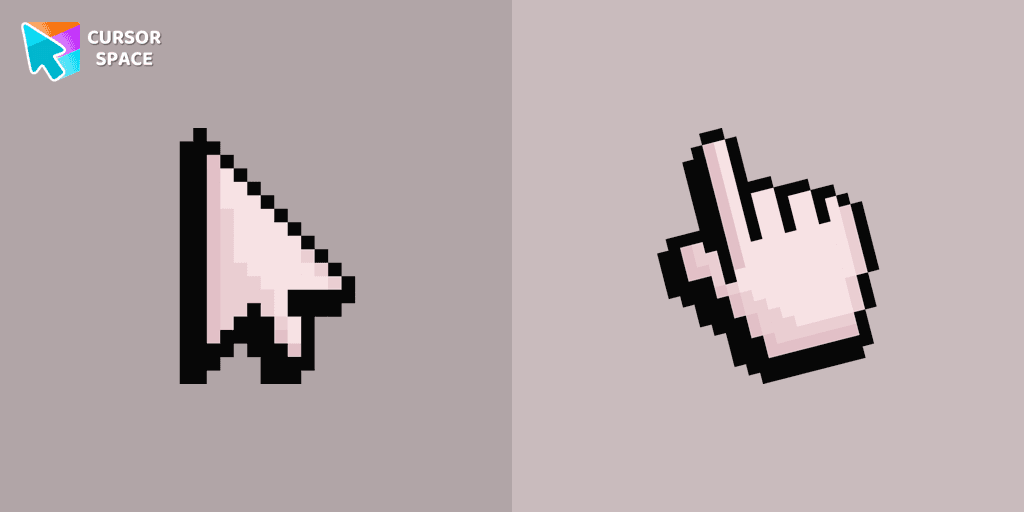
Pink Pixel Cursor is a custom cursor from our custom cursors collection for Chrome.
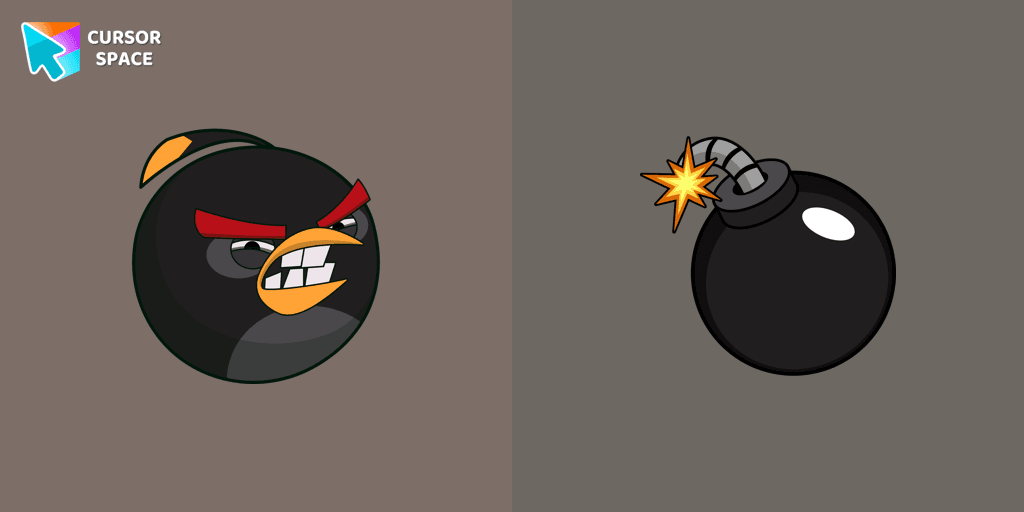
Explore the Angry Birds Bomb custom cursor to bring your desktop to life. Perfect for fans seeking a unique browsing experience!

In the vast array of cursors available, let's not overlook the vibrant red Super Mario characters.
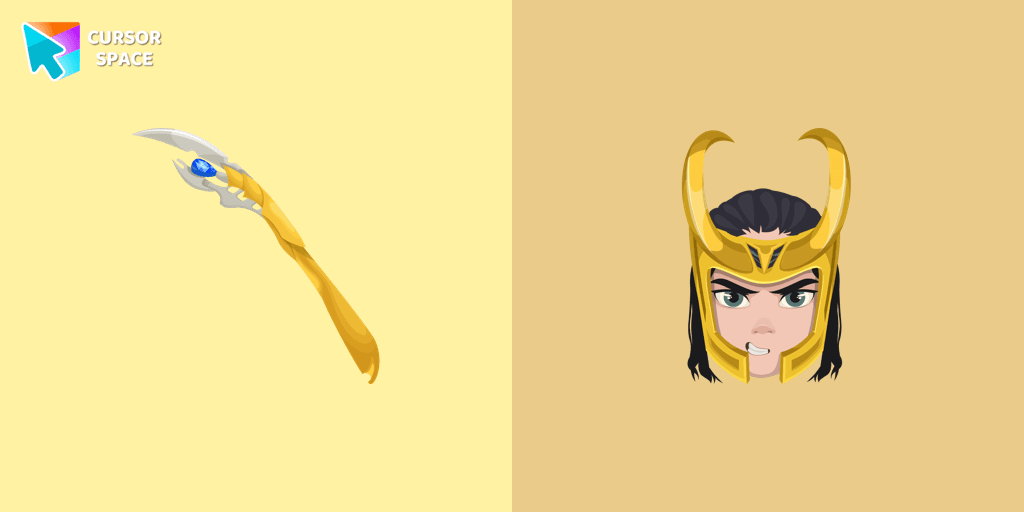
The Loki custom cursor for Google Chrome brings the mischievous charm of the Marvel anti-hero to your screen, adding a playful touch to your browsing experience.

Enhance your desktop experience with the Custom Bibata Original Classic Cursor, a stylish and modern option for both work and leisure.
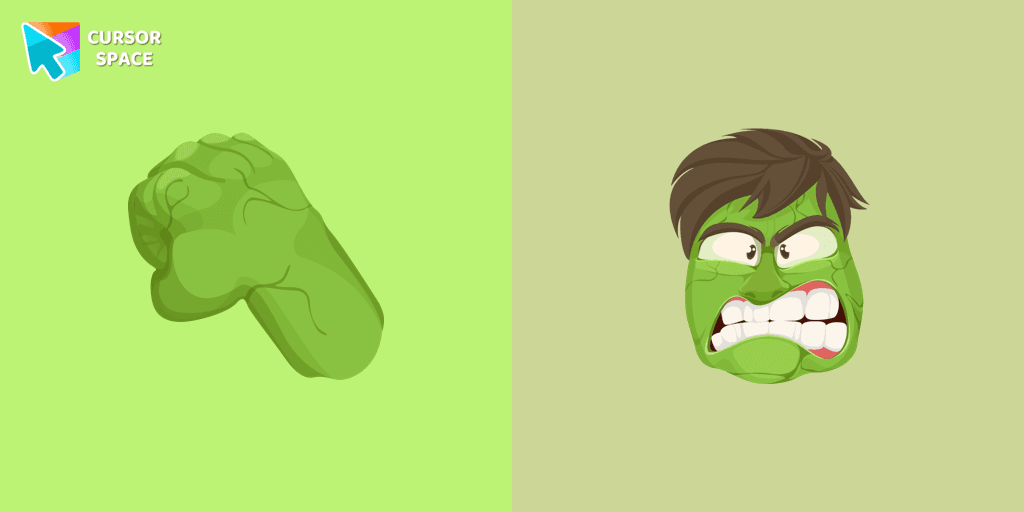
Transform your browsing with the Hulk custom cursor for Google Chrome. Add excitement and power with this dynamic cursor inspired by the iconic green superhero.
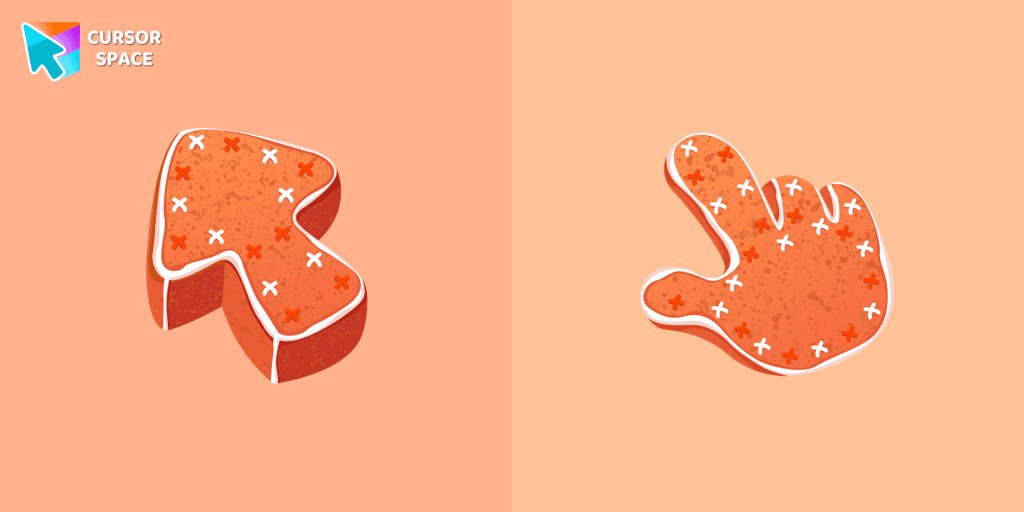
Bring sweetness to your browsing with our Gingerbread custom cursor—an adorable design from our Textures collection that adds charm and personality!

Upgrade your interface with Oreo White Cursors. Enjoy a clean, custom cursor design that complements any digital environment.
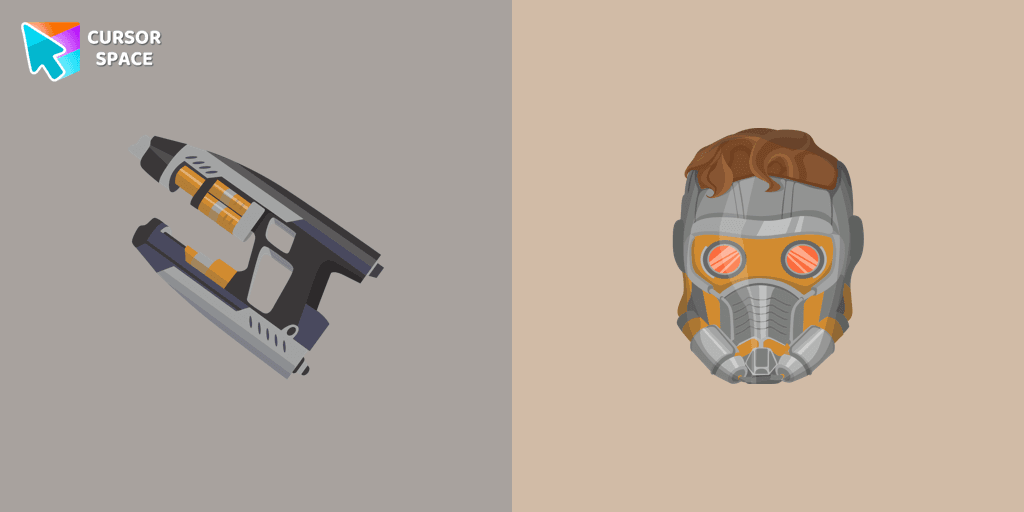
The Star-Lord custom cursor for Google Chrome adds a stylish and adventurous touch to your browsing experience, perfect for Guardians of the Galaxy fans.
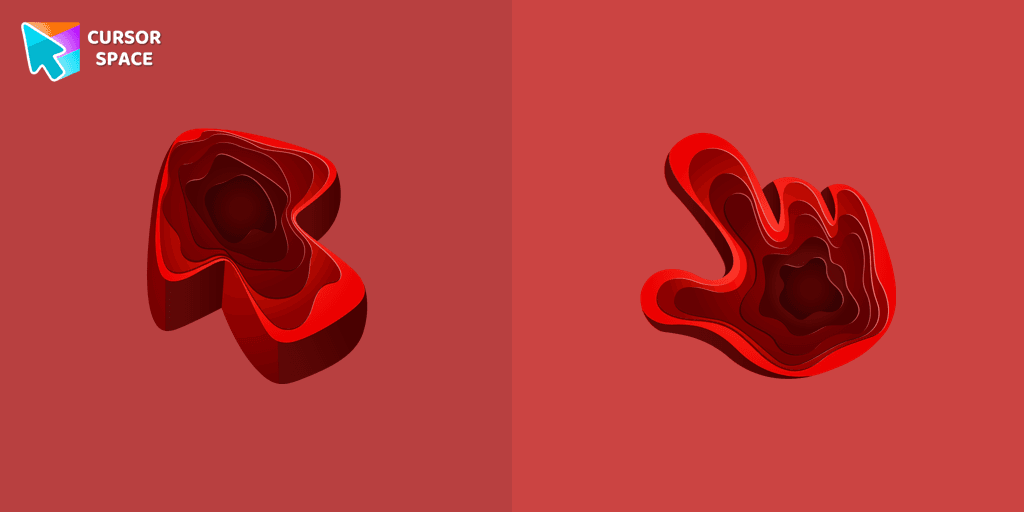
Enhance your browsing with the Rare Texture custom cursor for Google Chrome featuring the Quarry Texture. Add a unique touch to your mouse and pointer today.
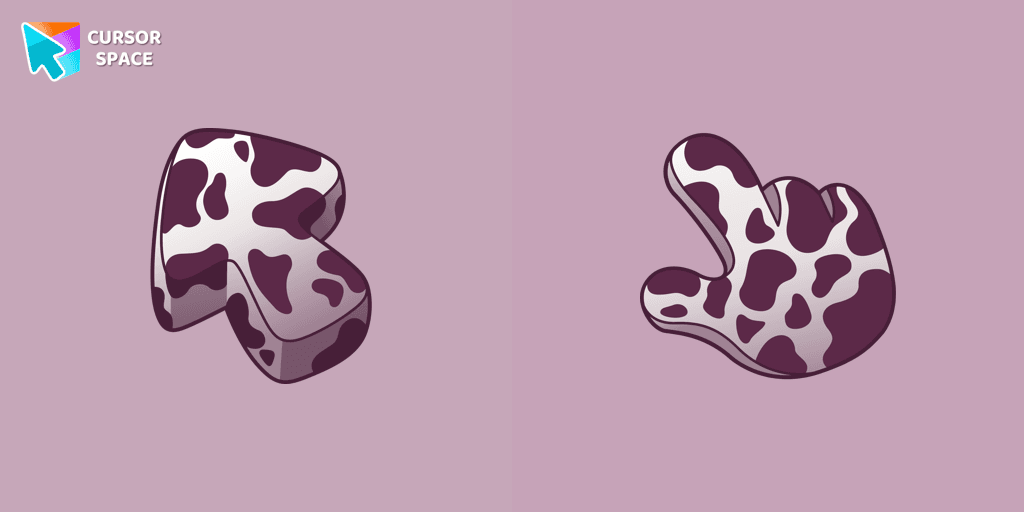
Enhance your browsing with the Cow Texture custom cursor. This cute and unique custom cursor for Google Chrome adds charm and fun to your screen. Try it now.
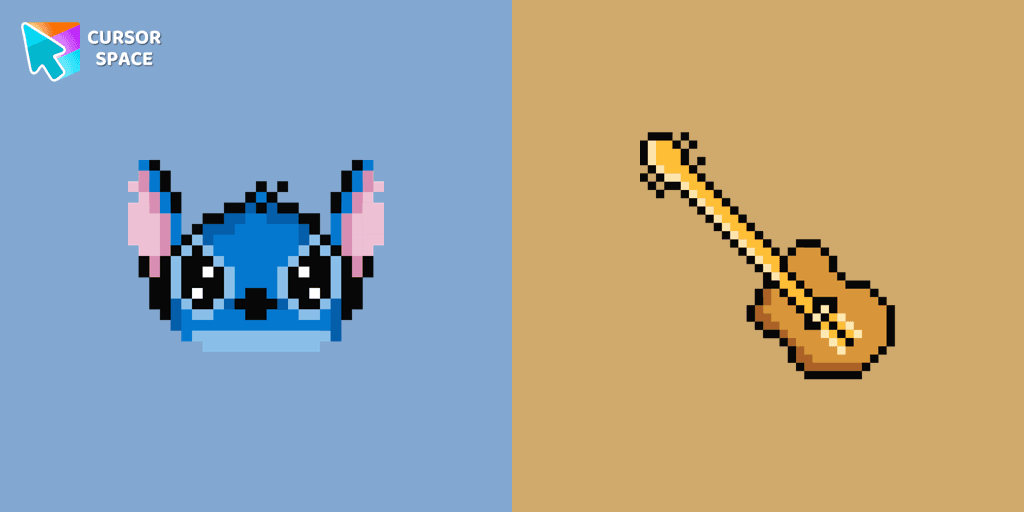
The only thing that can destroy Stitch Pixel Cursor from our custom cursors collection for Chrome is boring time on the Internet.
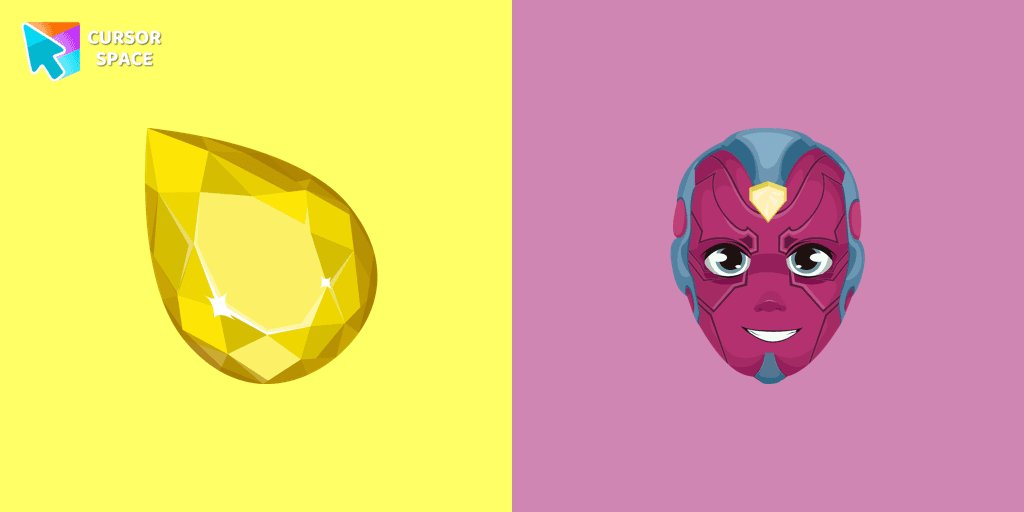
Enhance your browsing with the Vision custom cursor for Google Chrome. Featuring the sleek android from the Marvel universe, it adds sophistication and allure
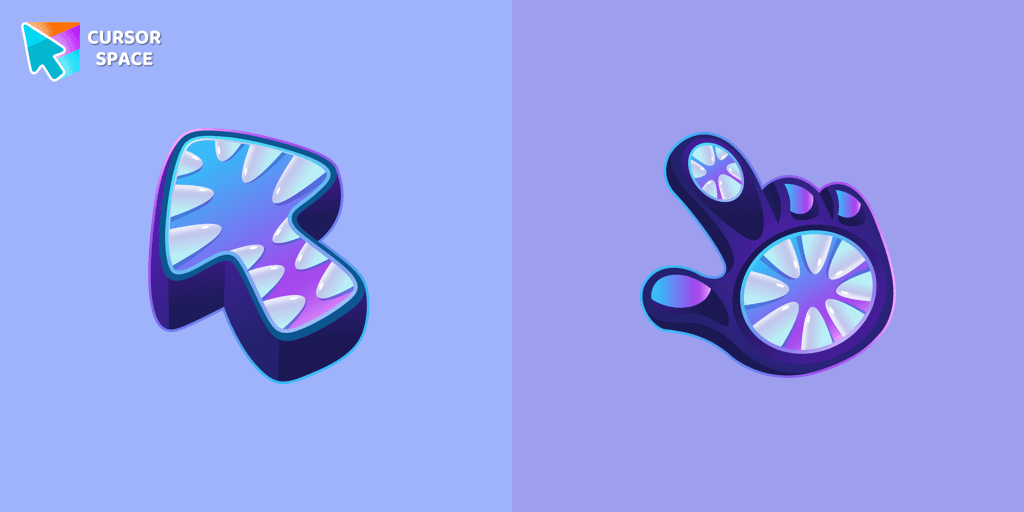
Elevate your cursor game with our Monster custom cursor. Discover unique designs for Chrome and stand out with style and creativity.
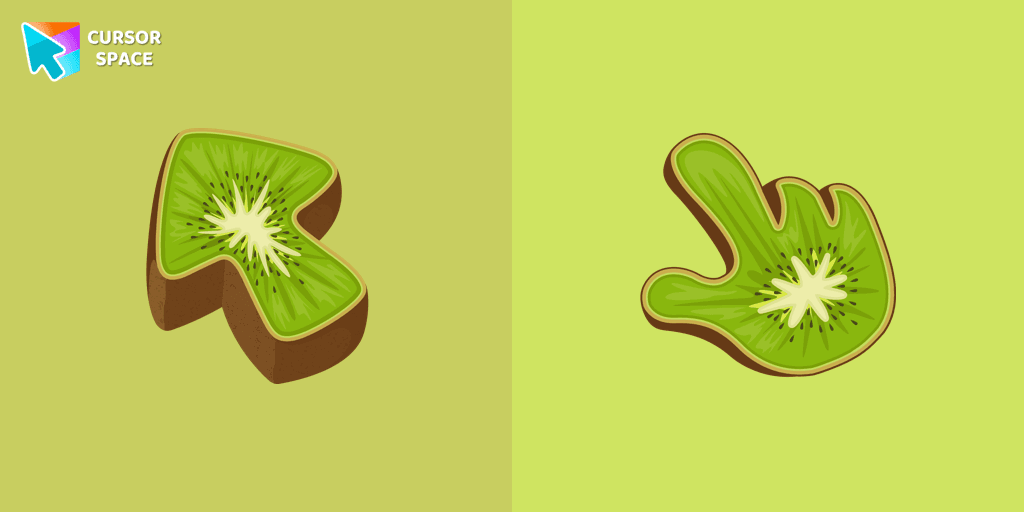
Enhance your browsing experience with the Kiwifruit Texture custom cursor inspired by the exotic kiwifruit, celebrating nature's uniqueness on your screen.
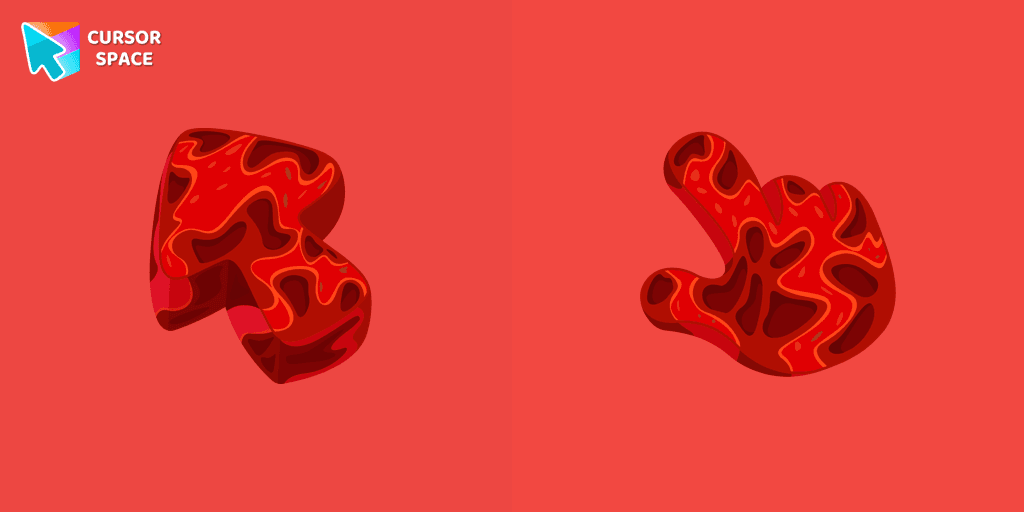
Upgrade your browsing with a custom cursor inspired by Mars from our Texture collection. Discover the ideal custom cursor for Google Chrome and explore in style.
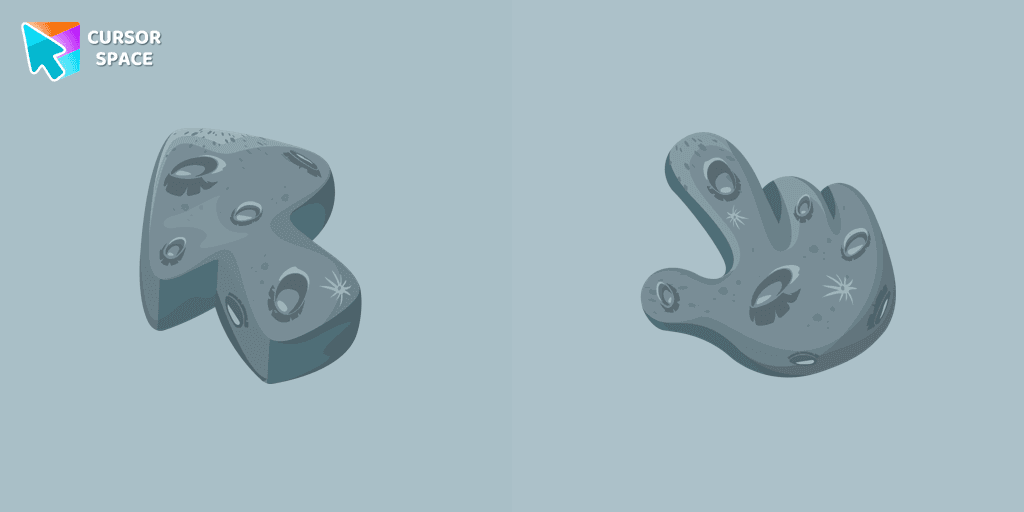
Explore the wonders of the universe right from your screen with the Moon Texture custom cursor for Google Chrome designed to inspire your cosmic curiosity.
Cursor Space packs include curated cursor sets for everyday browsing: cute, minimal, anime, neon, pixel art, and more. Each pack comes with multiple cursor states (like default and pointer) and can be added to your browser in seconds.
Fresh picks based on what people install most often.
Browse themed sets grouped by vibe and aesthetic.
See weekly, monthly, and all‑time leaders.
Quick answers to common questions about cursor packs, collections, and installation.
Most cursor packs on Cursor Space are free to browse and install. Some packs may be marked premium depending on licensing. The Cursor Space browser extension is free to install from the Chrome Web Store.
Yes. Install the Cursor Space extension for Chromium-based browsers (Chrome, Edge, Brave), open a pack page, and click install/apply. The extension applies the cursor set across your browser.
Open the pack page, click the install or add button, install the Cursor Space extension if prompted, then apply the pack from the extension popup. Your new cursor appears immediately.
Yes. Open the Cursor Space extension, choose another pack, or restore the default system cursor from the extension settings.
Cursor Space is distributed via the Chrome Web Store and Edge Add-ons. Keep the extension updated, and only install packs from trusted catalog pages on this site.